How To Optimize OBS Studio Recording Settings For Low-End PCs And Laptops To Save Resources And Boost Performance
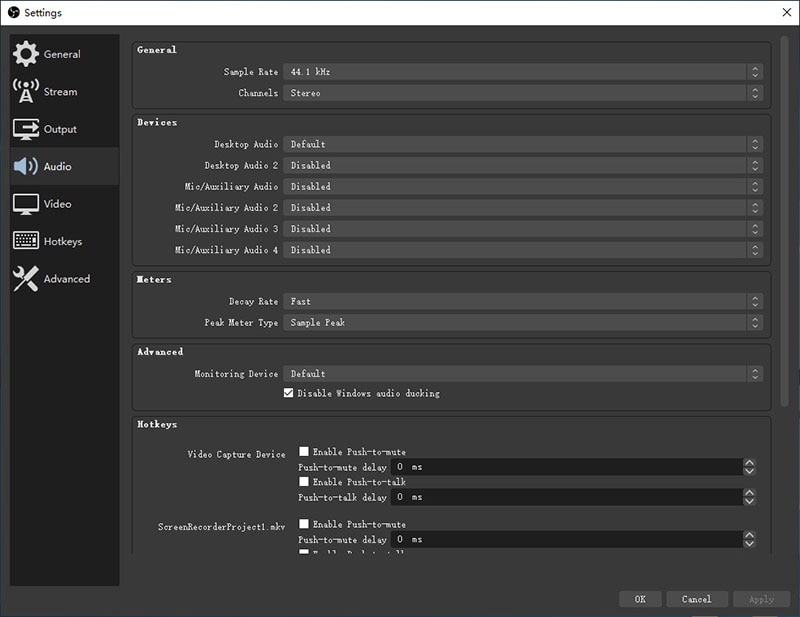
Optimizing OBS Studio for low-end PCs and laptops involves simplifying scenes, disabling preview, choosing less resource-intensive capture methods, and balancing encoding settings to reduce CPU and GPU load, resulting in smoother recordings with minimal quality loss.